Cloud Coding Agents for GitHub, GitLab, and Bitbucket
Your git provider shouldn't decide whether you can use cloud coding agents. What Tembo does on GitHub, GitLab, and Bitbucket, and how to connect each.

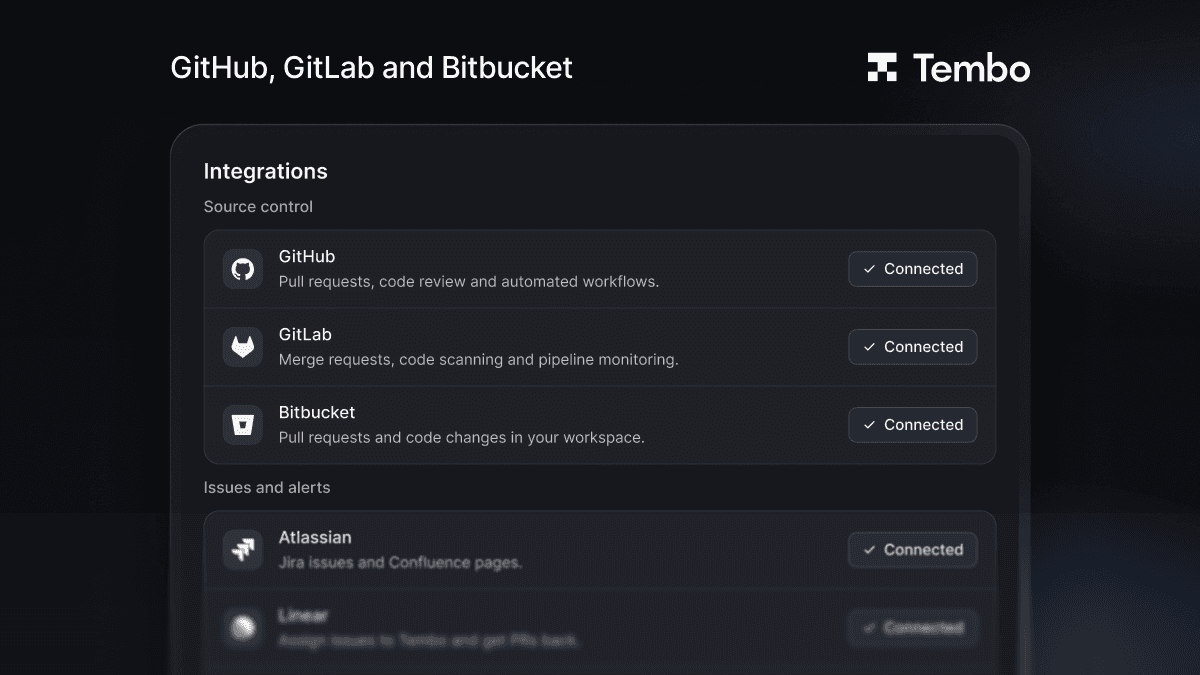
Yes, you can run cloud coding agents on GitLab and Bitbucket, not just GitHub. Tembo connects to all three. Agents run in the cloud against your repositories and open pull requests or merge requests where your team already reviews code, and you can ask them for changes from a comment on the PR.
Your git provider shouldn't decide whether your team gets to use coding agents. Here's what works on each, and how to connect them.
What can a coding agent do on each provider?
| GitHub | GitLab | Bitbucket | |
|---|---|---|---|
| Open changes for review | Pull requests | Merge requests | Pull requests |
| Iterate on review feedback | Yes | Yes | Yes |
| Ask for changes from a comment | @tembo | @tembo | /tembo |
| Works on your team's PRs too | Yes | Yes | Yes |
| Fix failed CI | GitHub Actions | GitLab pipelines | Not listed in the docs |
| Start agents from repo events | PR opened, merged, updated, and more | Merge request opened, merged | See the agents docs |
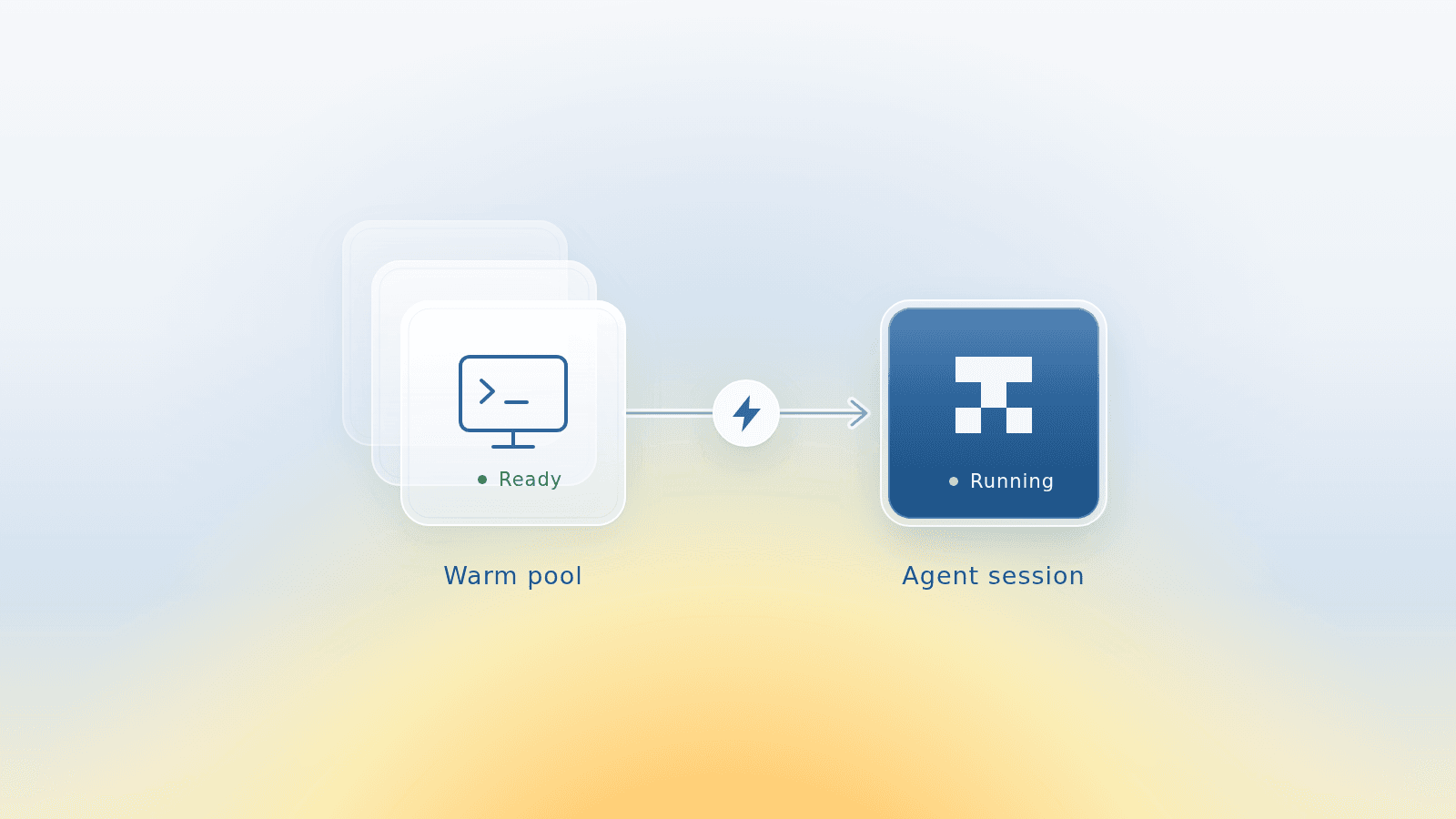
On all three, the agent works in a sandbox in the cloud with the full codebase, so nobody has to keep a laptop open while it runs.
How do I connect GitHub?
In Tembo, go to Integrations and click Install next to GitHub. Authorize either all repositories or a selected set, then turn on the ones Tembo should work in under Active Repositories.
By default, pull requests and commits come from the Tembo bot account. Each person can connect their own GitHub account in their settings if they'd rather have work attributed to them.
How do I connect GitLab?
GitLab works with GitLab.com and self-managed instances. The recommended setup is a shared service account:
- In GitLab, create a service account under your top-level group's Settings → Service accounts.
- Add it to the group, or to each project Tembo should work in, with the Maintainer role.
- Create a personal access token for the service account with only the
apiscope. - In Tembo's Integrations page, click Install next to GitLab, paste the token, and choose your repositories.
You can also connect with OAuth instead. Once connected, comment @tembo on any merge request in an active repository to ask for changes.
How do I connect Bitbucket?
- Create a dedicated Bitbucket account for Tembo and invite it to your workspace.
- In Tembo's Integrations page, click Install next to Bitbucket and log in as that account.
- Choose which repositories Tembo should work in.
To ask for changes on a pull request, add /tembo to a comment. Tembo reads the feedback, updates the code, and pushes new commits.
Where does the work come from?
Any of these can start an agent: a person in the Tembo app, a comment on a PR, a schedule, or an event. Connect Jira, Linear, or Sentry as well, and work can start from a ticket or an error instead of someone's laptop. The pull request still lands in your git provider, where your team reviews it.
FAQ
Does Tembo work with GitLab? Yes, both GitLab.com and self-managed GitLab. Tembo opens merge requests, responds to review feedback, can fix failed pipelines, and acts on @tembo comments on merge requests.
Does Tembo work with Bitbucket? Yes. Tembo opens pull requests in your Bitbucket workspace, supports draft PRs, and updates code when someone adds /tembo to a PR comment.
Do I need a separate account for Tembo? On GitLab, the recommended setup is a service account with a token. On Bitbucket, you create a dedicated user for Tembo. On GitHub, Tembo installs as an app and works as a bot account by default.
Which coding agents can I use? You choose per session or per agent. Tembo supports harnesses including Claude Code, Codex, Cursor, Opencode, and Amp, with your choice of model.
Get started
Connect your provider from the Integrations page in Tembo. Setup steps for each one are in the integrations docs.
Run any coding agent in the cloud
Tembo agents execute tasks in secure cloud environments and return reviewable output. Use any agent or model, run in parallel, and keep humans in control.