
Atlassian MCP, Richer Logs, and Java Sandboxes
#Refreshed sandbox log viewer
Sandbox logs are now easier to scan:
- Clear event type labels and timestamps
- Collapsible JSON payloads for deeper details
- Improved scrolling behavior (including a scroll-to-bottom button)
#Atlassian MCP (Jira + Confluence)
If you've connected Atlassian, you can now enable an Atlassian MCP server for your tasks. This gives the agent direct access to Jira and Confluence actions from within the task environment.
#New Jira automation trigger: ticket added to board
You can now trigger Jira automations when a new ticket is added to a board, so your workflows can kick off earlier in triage.
#Richer agent logs
Agent logs got a few quality-of-life upgrades:
- A "Planning next moves" indicator while the agent is thinking
- File icons in diff views
- Better icon mapping for Atlassian-related tool events
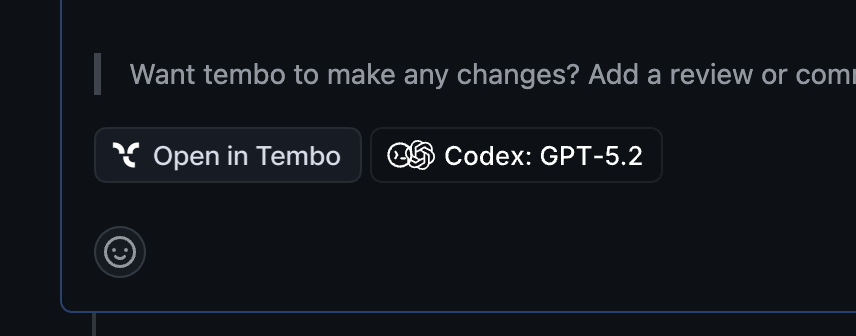
#Redesigned PR description buttons
When Tembo opens a pull request, you'll now see beautifully redesigned buttons in the PR description (like View on Tembo and View Agent Settings) to jump to the right place faster.
#Linear automation trigger: filter by label on "Issue Created"
When using the Linear "issue created" trigger, you can now optionally filter by label so automations only run for the issues you care about.
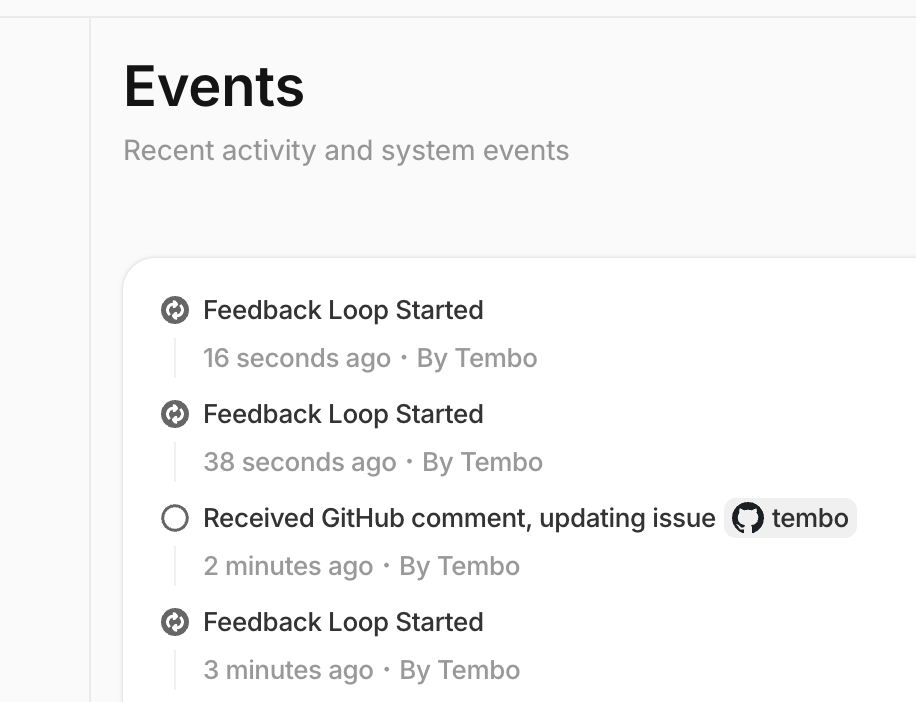
#Redesigned Events tab (audit log)
The Events tab in the app sidebar has been redesigned to make it easier to review the audit log of actions taken across your workspace.
#Java toolchain in sandboxes
Sandboxes now include Java (JDK 21) plus Gradle and Maven, so agents can build and run Java projects without extra setup.
#Improvements
Various bug fixes and improvements as always :)