
Live Device Screens, a New Skill Editor, and Google Workspace MCPs
#Watch your agent work on your devices
When an agent uses one of your paired devices, the session now opens a Device tab with a live view of that machine's screen, so you can follow along as it clicks, types, and runs things. Paired more than one machine? Switch between them from the tab header. You can also open any of your own devices from Settings > Devices with View screen.
#A real editor for your skills
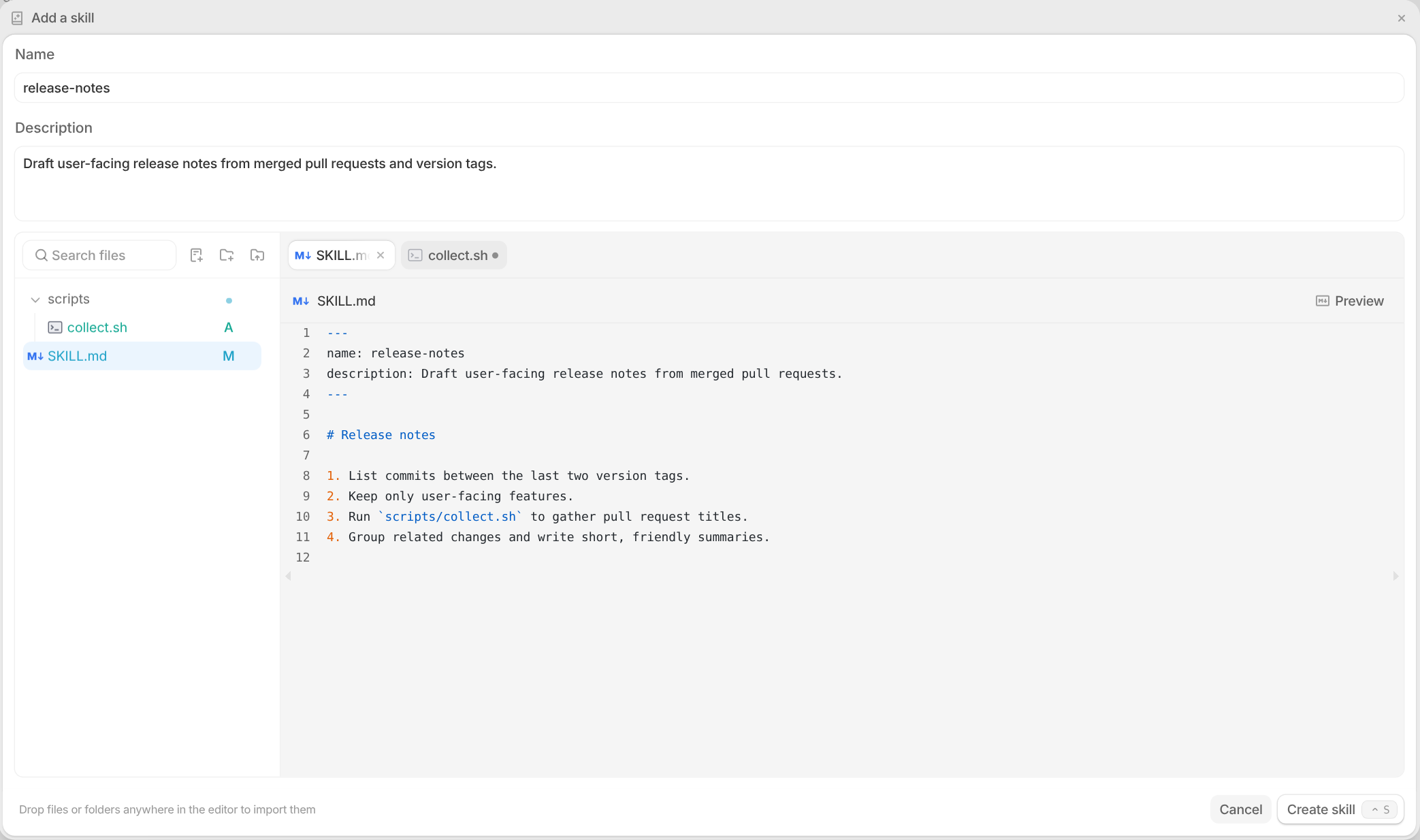
Skills now have a full editor with a file tree, tabs, and syntax highlighting. Add folders, scripts, and reference files next to your SKILL.md, or drag an entire skill folder into the editor to import it, images and other binary assets included.
#Google Docs, Sheets, and Drive MCP servers
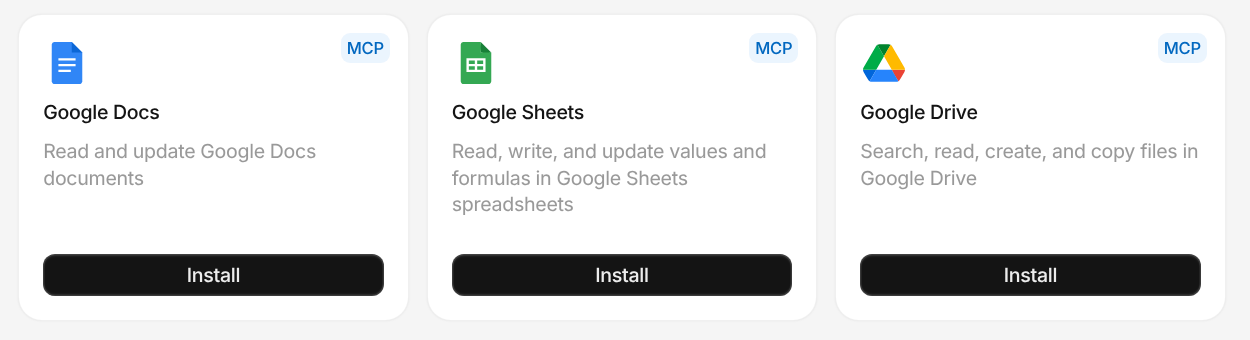
Install the new Google Docs, Google Sheets, and Google Drive MCP servers from Settings > Integrations. Your agents can read and update documents, write values and formulas in spreadsheets, and search, create, and copy files in Drive.
#See when your team is most active
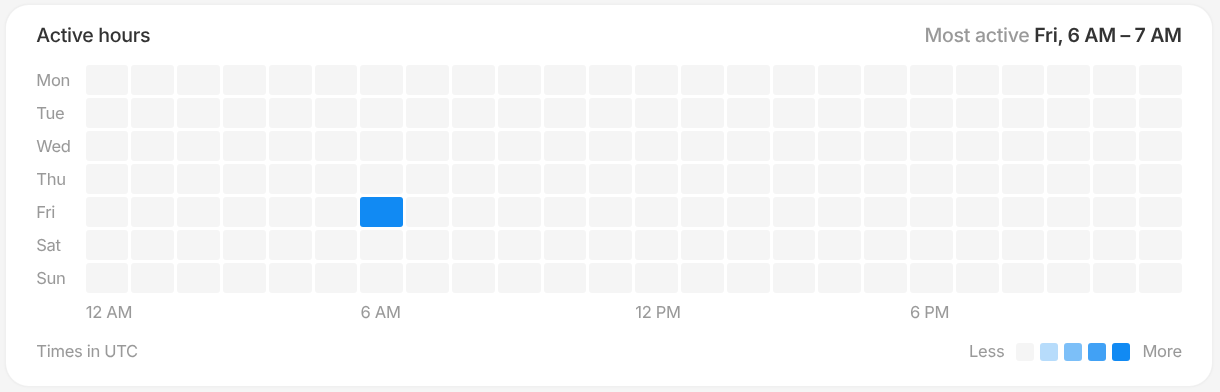
Each member's page in Insights > Users now has an Active hours heatmap showing which days and hours they work with Tembo the most, shown in your local time zone.
#Choose who sees your new sessions
Set a Default session visibility for each workspace from Settings > Preferences. Keep new sessions private, or make them visible to your whole workspace by default. You can still change visibility on any individual session.

#More ways to work faster
- The Tembo Slack agent replies much faster, in about 2.5 seconds instead of around 12.
- Agents defined in your repository's
.tembo/agentsfiles can now declare integration triggers, like starting a review when a pull request is opened onmain. - Press
Cmd/Ctrl+Fin the Tembo desktop app to find text on the page. - Rotate a GitLab access token from the integration's settings without reinstalling. Your repositories and projects stay connected.
- Make a project the workspace default straight from its actions menu.
- Claude Code can now run Bash commands for up to 60 minutes.
- The Tembo mobile app renders session messages with the same markdown as the web.
- On phones and tablets, Enter in the message box adds a new line.
- If your workspace requires a personal GitHub account, Tembo now shows a banner so you can connect yours before starting a session.
Also various bug fixes and improvements as always :)