
Per-User Insights, Personal Env Vars, and Session Devices
#See per-user activity in Insights
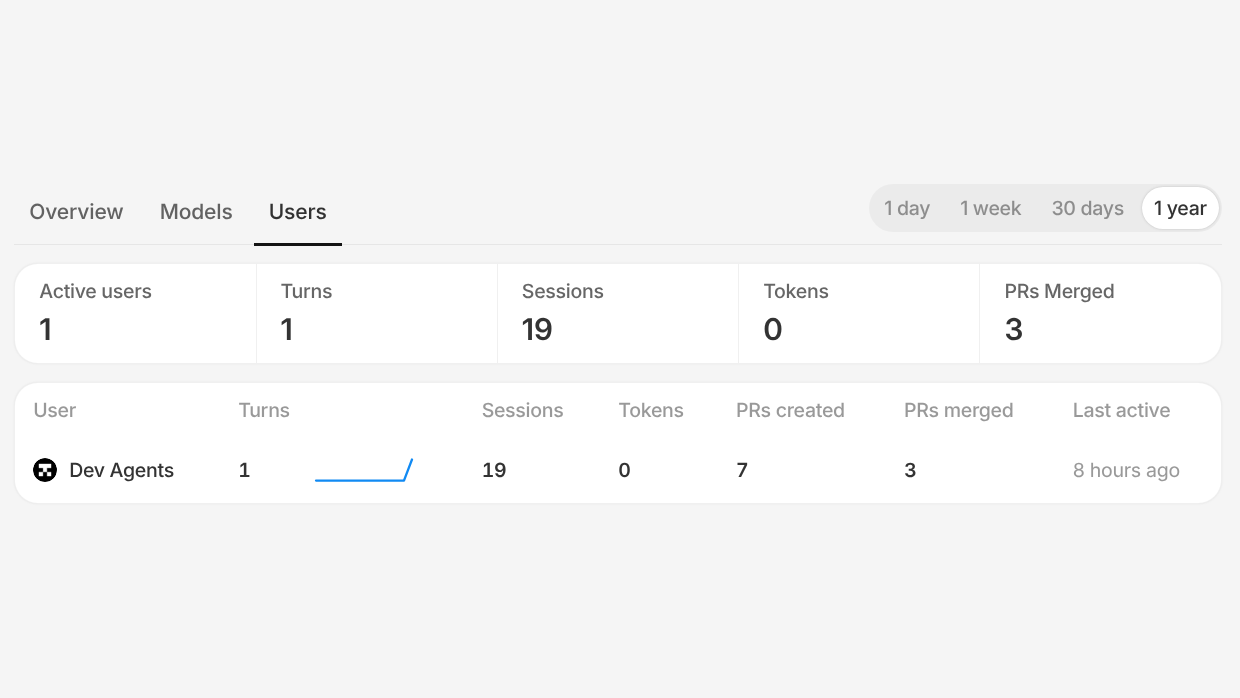
Insights now has a Users tab that breaks activity down by teammate. See each member's turns, sessions, tokens, and the pull requests they created and merged over any time range, then click into any teammate for their full detail view.
#Personal environment variables
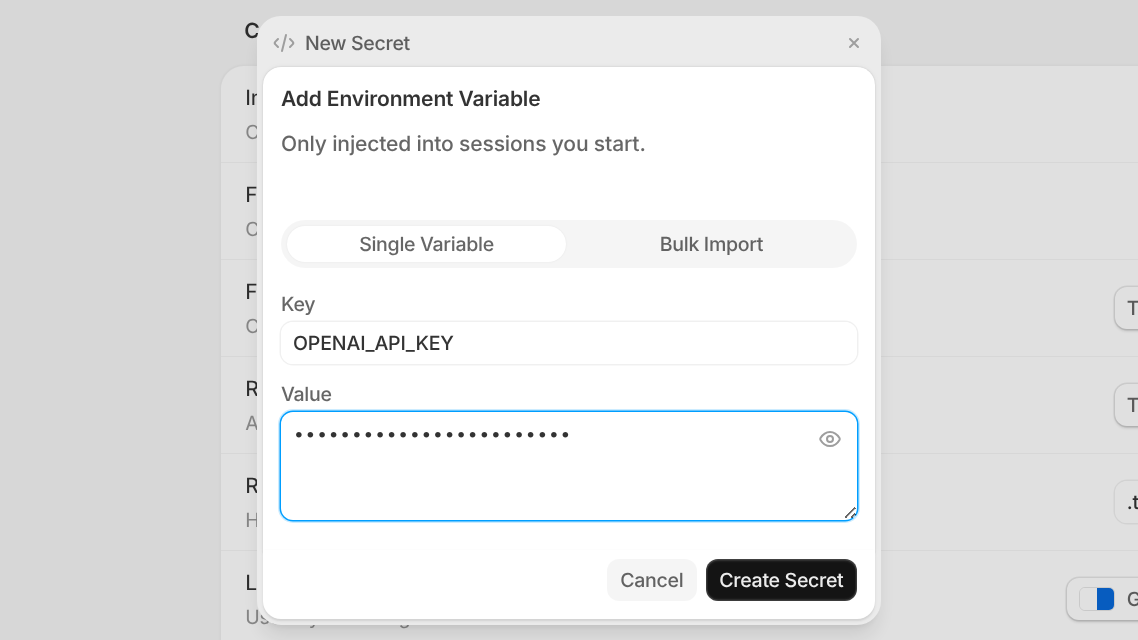
Set environment variables that are injected only into the sessions you start, from Settings > Preferences. They're perfect for personal tokens and config you don't want to share with the rest of your workspace, and they never touch a teammate's sessions.
#See the devices your session can use
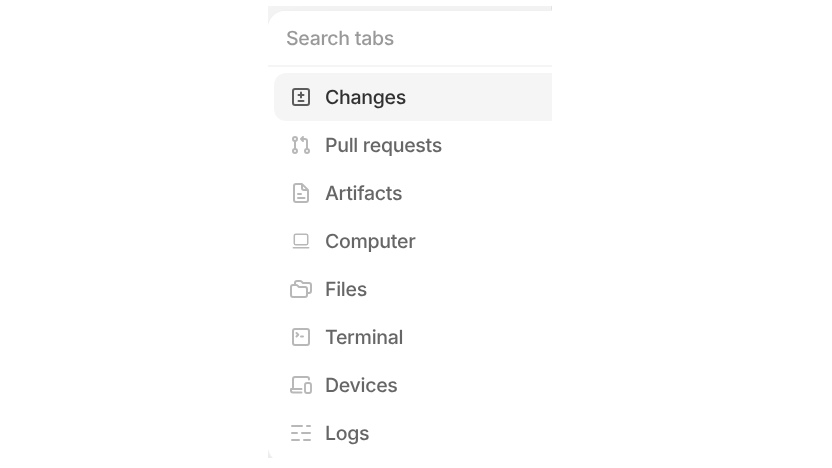
Every session now has a Devices tab that lists the machines it can work on, connected through the Tembo desktop app or the Tembo CLI. Only sessions started by a device's owner can use it. The workspace's add-tab button is now a searchable menu, too, so you can jump to Devices, Changes, Files, Terminal, and the rest in a couple of keystrokes.
#Keep your projects warm
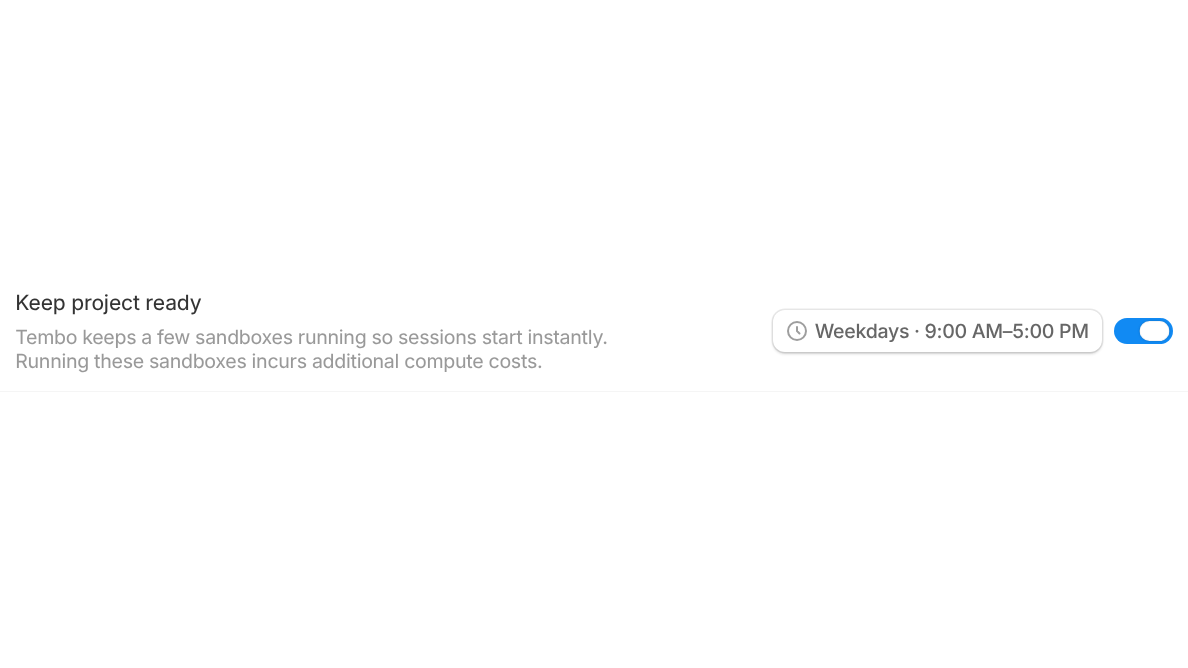
Projects can now keep a few sandboxes running on a schedule so new sessions start instantly during your working hours. Turn on Keep project ready in a project's configuration, pick a schedule like weekdays 9 to 5, and warm-pool compute shows up on your usage page alongside everything else.
#Answer your agent's questions without leaving the session
When Claude or Codex needs a decision mid-run, it now asks right in the session. Pick one of the options it offers, or type your own answer, and the agent keeps going from there. No need to interrupt the run or start over.
#Codex can generate images
Codex now supports native image generation. Ask for an image and it's rendered inline in the conversation and saved to the session's artifacts, ready to download or reuse.
#A new model: GPT-6.1 Terra
GPT-6.1 Terra is now available across Codex, OpenCode, and Pi. Pick it from the model menu wherever you choose a model.
#More ways to work faster
- Link your personal Atlassian account so pull requests from Jira-triggered sessions are opened as you.
- Photon is now a suggested MCP server. Connect it to manage Photon projects and messaging channels from your sessions.
- Attach images to your messages from the Tembo mobile app.
- Install the Tembo CLI in one line with
curl -fsSL https://cli.tembo.sh | sh, orbrew install tembo/tap/tembo. - Forking a session opens the new session right away and queues your messages while its sandbox boots.
- Finished sessions show an unread dot in the sidebar until you open them.
- Archived a session by mistake? The toast now has an Undo button.
- Archiving a session no longer pops a confirmation dialog.
- Open a pull request on GitHub, GitLab, or Bitbucket straight from the session's pull request card menu.
Also various bug fixes and improvements as always :)