
Share Everything With Teams, Cloud Devices, Persistent Memory, and Team Insights
#Share automations, skills, models, and more with teams
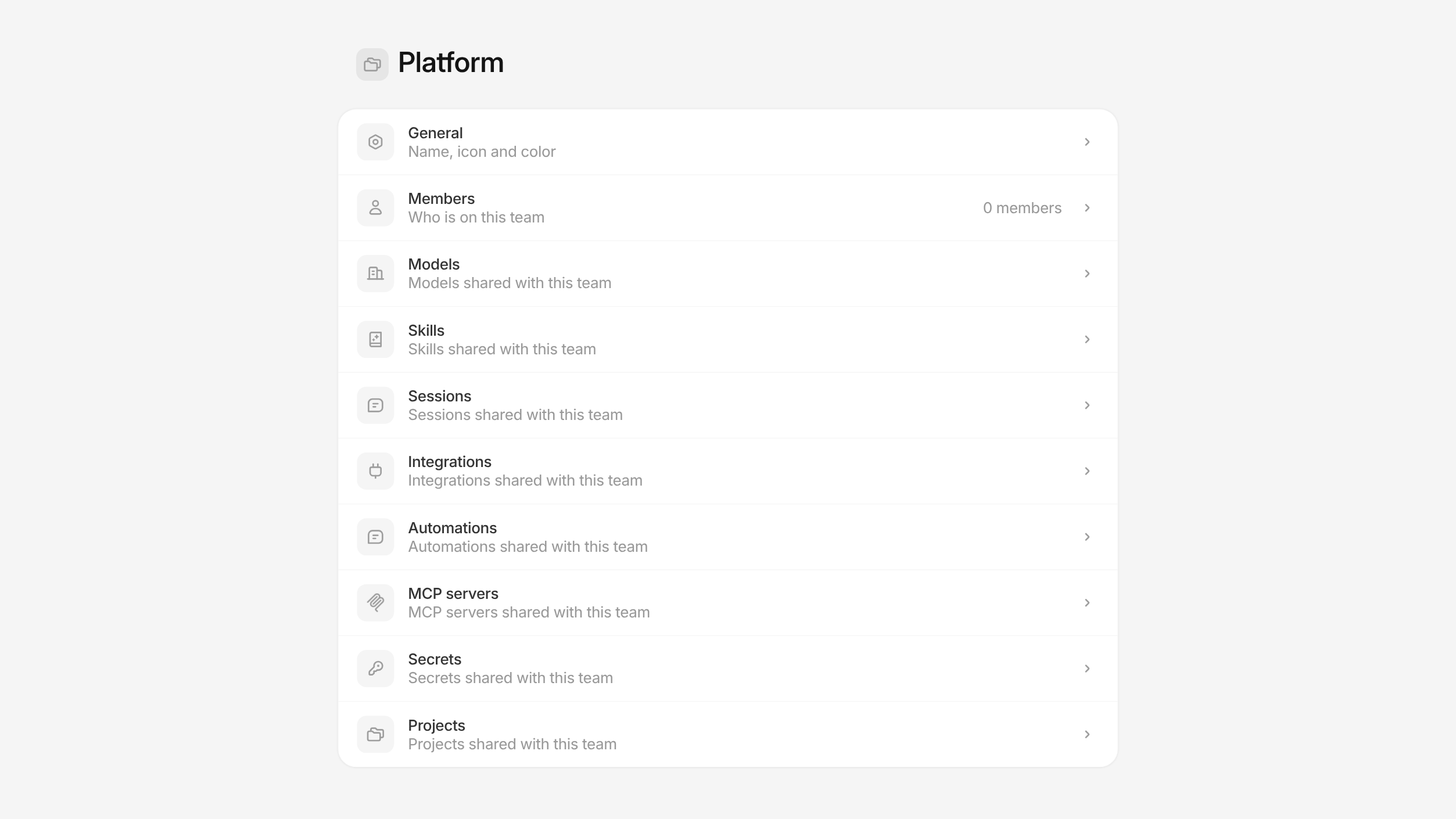
Sharing now goes well beyond sessions. Choose Share on an automation, skill, model, MCP server, integration, secret, or project to give access to specific people, one or more teams, or the whole workspace. Each team's page in Settings > Teams lists everything shared with it, so new teammates find the right tools in one place. Agents only use what the person who started the turn can access, so a secret or MCP server shared with one team stays with that team.
#Cloud iOS simulators, Android emulators, and Macs
Agents can now build and run mobile and Mac apps from any session. Tembo starts a cloud Mac with Xcode, an iOS simulator, or an Android emulator on demand, and you can watch the device live in the session sidebar, with zoom controls, while your agent taps, swipes, and types through your app. Use it to check a SwiftUI change, try a React Native or Expo build, or see a mobile web layout on a real phone screen. Cloud devices are available on paid plans and billed per second.
#Your agent remembers you
Persistent memory is now on for everyone. When you state a preference or correct your agent, it saves a memory and brings it into your future sessions, so you don't have to repeat how you like your PRs, tests, or commit messages. Memories are private to you within your workspace.
#Compare usage across teams
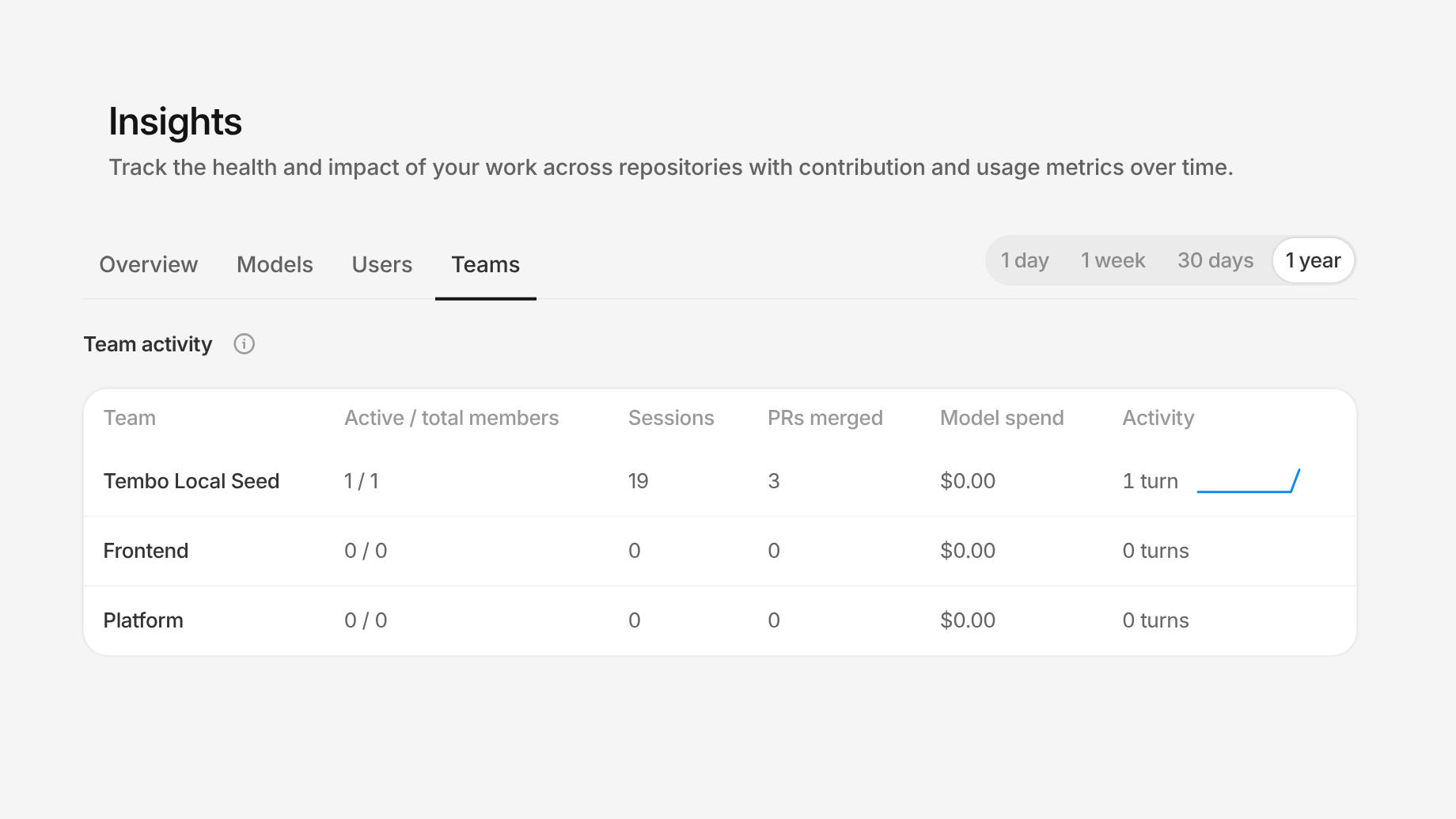
Insights has a new Teams tab that compares every team side by side: active and total members, sessions, merged PRs, model spend, and activity over time. Click a team to drill into its members, and filter usage by team to see where your Tembo spend goes.
#Interactive HTML artifacts right in the chat
HTML artifacts now render inline in the session chat as a live, sandboxed page. Ask your agent for a calculator, a filterable table, a data explorer, or a report, and use it right where the conversation happens without opening a new tab.
#Choose your own fallback when a subscription runs out
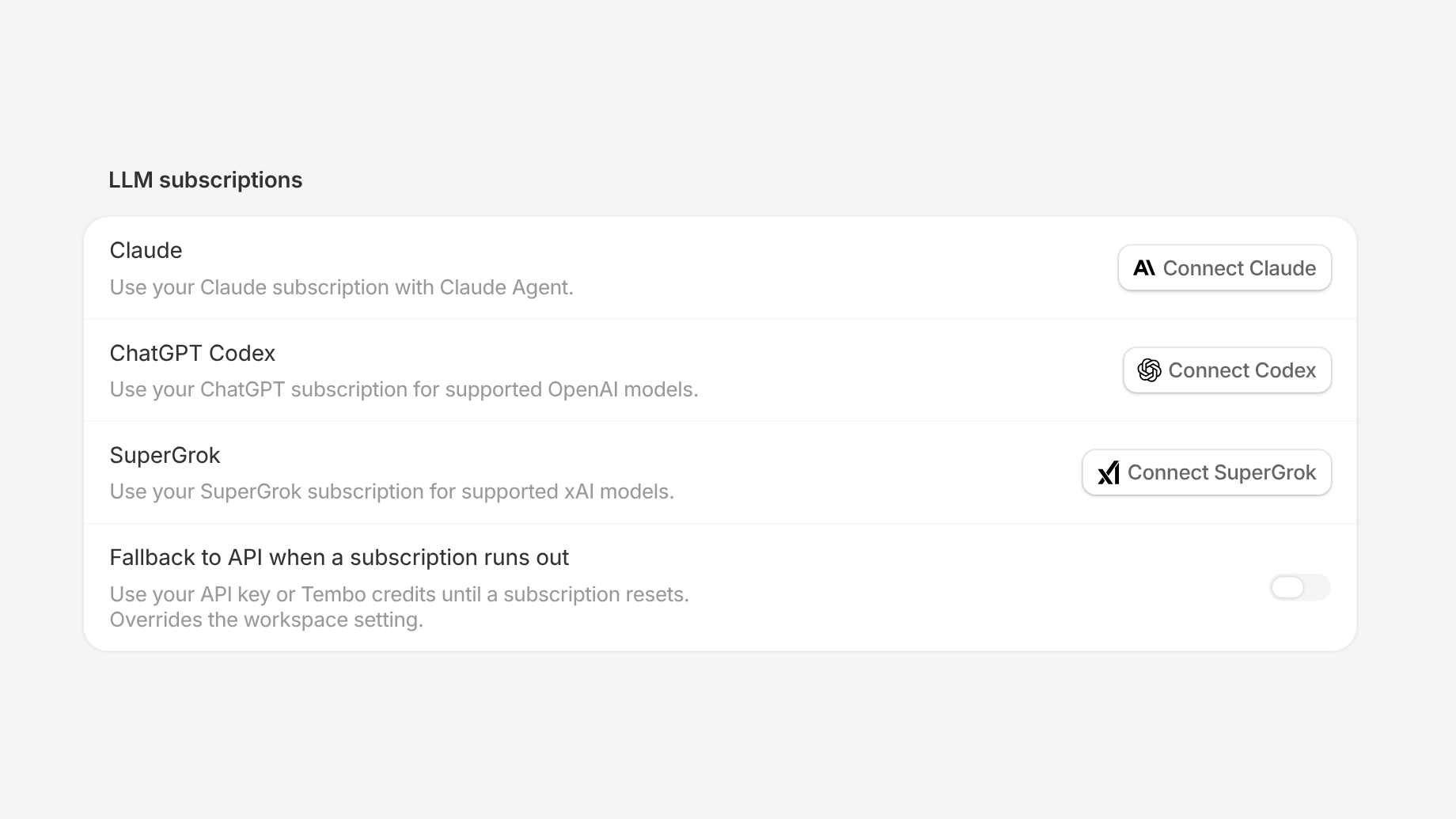
Turn on Fallback to API when a subscription runs out in Settings > Connected accounts to keep working on your API key or Tembo credits until your Claude, ChatGPT, or SuperGrok subscription resets. Your choice overrides the workspace setting, and a banner in the session tells you when a turn has fallen back.
#Agents are now Automations
Agents are now called Automations across the app, URLs, and the public API, so it's clearer that they run on schedules and triggers. Existing links and API calls keep working.
#More improvements
- New Sazabi triggers start automations when Sazabi opens, reopens, resolves, ignores, or rejects an issue, or reminds you that an issue is still open.
- A new GitHub trigger starts an automation when an open Dependabot alert is assigned to someone.
- Mark any session as unread from the sidebar, sort sessions manually (pinned sessions follow the same order), and spot failed sessions at a glance with a new indicator.
- Turn off Open pull request links in Tembo in Settings > Preferences to open PR links on GitHub, GitLab, or Bitbucket instead of Tembo Review.
- Gemini 4 Neon is now available in the OpenCode and fx runtimes.
- Connected Claude accounts now show whether they're on a Team or personal plan.
- In Review, marking a file as viewed scrolls the next file into place under your cursor.
- Click the VM status pill to jump straight to the Computer tab, and open chat videos in the media lightbox.
Also various bug fixes and improvements as always :)